
People + Scheduling
Prepare a published staff schedule for the next shift
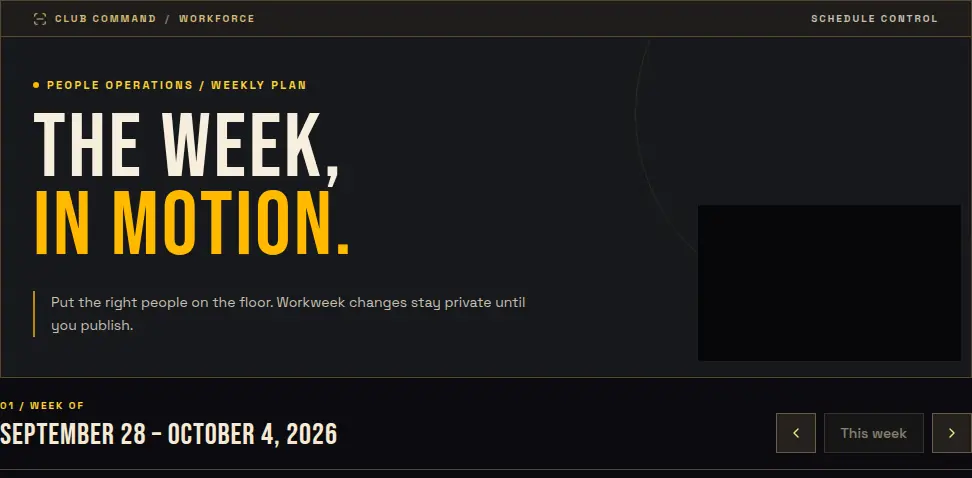
Treat planning and publication as different steps. Workers should see the approved assignment, not an unfinished reassignment that is still being reviewed.
Audience: Venue managers responsible for schedules and workers viewing their own approved assignments.
Procedure
Plan the venue's workweek
Review the selected week, venue-local shift times, role assignments, and coverage needs. Use the venue's configured time policy rather than assuming the browser's timezone defines the workday.
Check eligibility before publication
Review qualifications and any role or zone requirements attached to an assignment. A name on a draft does not independently prove that the worker satisfies the publication requirements.
Publish the reviewed assignments
Draft changes remain separate from the published worker-visible snapshot. A draft reassignment does not replace the worker's existing published assignment until it is republished. Confirm the approved version before sending people to their stations.
Reconcile attendance through the approved process
Workers view their own shifts. Clocking requires the authorized terminal and applicable venue policy. Managers should use approved correction and review workflows, especially when a workweek is locked.
Shift checklist
- Check the venue, week, and local shift times.
- Review each assignment and qualification requirement.
- Distinguish the current draft from the published version.
- Confirm workers can see their own published assignments.
- Resolve timekeeping exceptions through the authorized workflow.
Boundaries
- A schedule or time total alone does not prove payroll authorization or legal compliance.
- Venue-entered policy and approval claims are source evidence, not independent legal or payroll verification.
- This guide does not promise automatic staffing-gap fulfillment, payroll processing, or a particular third-party integration.